
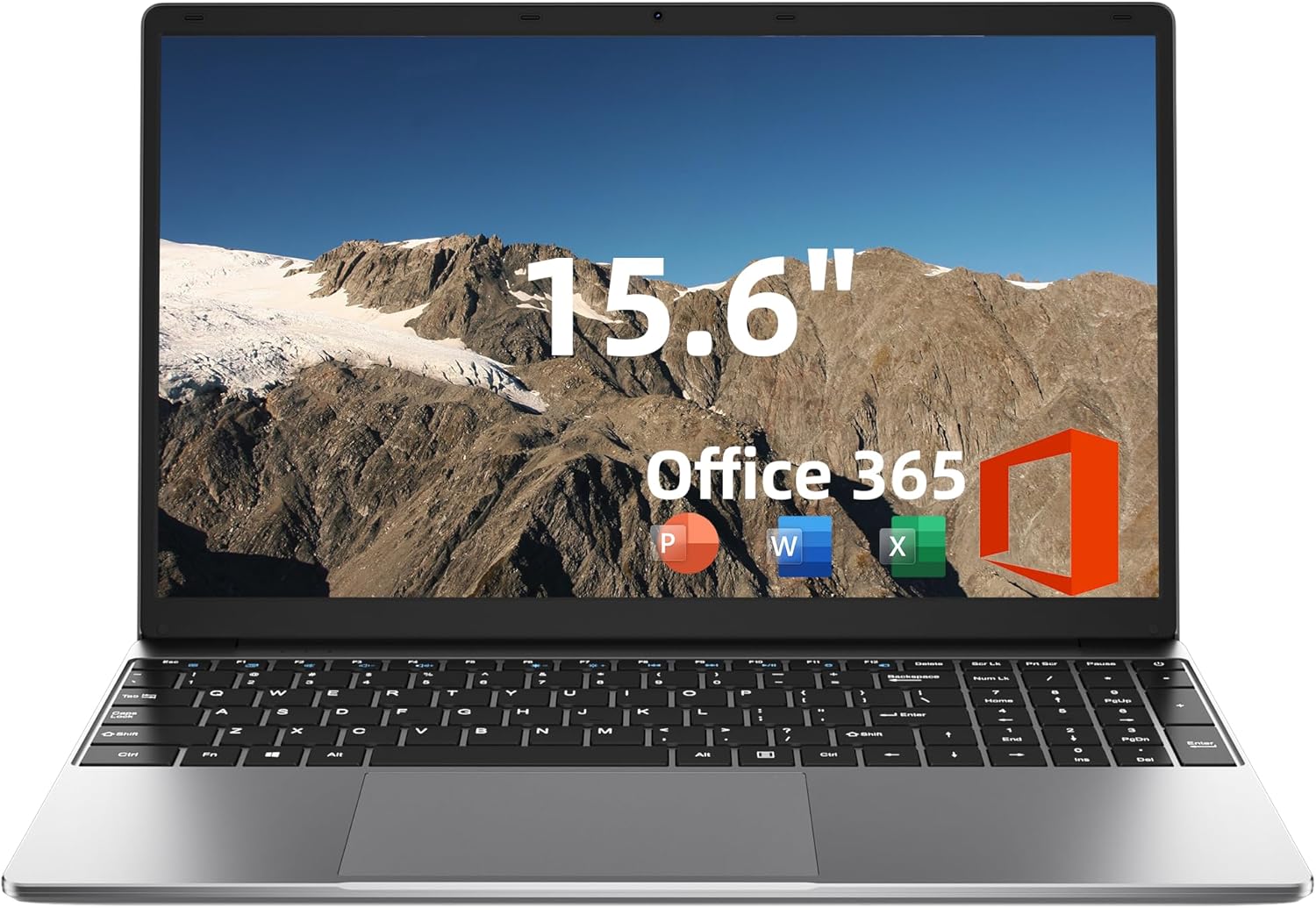
If you browse the “Best Sellers” lists for laptops on Amazon lately, you might have noticed a brand that isn’t Dell, HP, or Apple climbing the ranks. It’s the Jumper Laptop.
While the name might sound new to some, this specific configuration has been quietly racking up sales and positive ratings for one very simple reason: it offers a complete “work-ready” package for a price that feels like a typo.
We took a close look at the specs and analyzed the wave of user feedback to understand why this Jumper Laptop is becoming the go-to choice for students and budget-conscious professionals in 2026.
The Value Proposition: More Than Just Hardware
Usually, when you buy a budget laptop, you have to spend another $70-$100 immediately just to buy Microsoft Office. The Jumper Laptop solves this annoying problem right out of the box.
It comes with a 1-year subscription to Office 365 included. This means you have full access to Word, Excel, and PowerPoint from day one. For students or small business owners, this adds significant value to the already low price tag, effectively making the hardware even cheaper.
Specs & Performance: What Are You Actually Getting?
Let’s break down the technical specifications provided in the listing to see what makes this machine tick:
- Processor: It runs on the Intel Celeron 5205U. While this isn’t a gaming chip, it is a reliable, power-efficient processor designed specifically for daily productivity tasks like web browsing, essay writing, and video streaming.
- Display: Unlike many cheap laptops that use washed-out “TN” panels, the Jumper Laptop features a 15.6-inch 1080P FHD IPS Display. The “IPS” part is key—it means you get better color accuracy and wider viewing angles, making it surprisingly great for watching Netflix or YouTube.
- Memory & Storage: You get 4GB of RAM and 128GB of storage. While 128GB is standard for this price, the Jumper Laptop shines with its expandability. It supports up to 1TB of expansion via a TF card, giving you plenty of room to grow.
- Connectivity: It covers all the modern bases with USB Type-C, Wi-Fi 5, and Bluetooth 4.2. It even includes a full Number Pad—a rare find on modern laptops and a huge plus for anyone doing data entry or finance work.
Analyzing the Amazon Reviews: Real-World Feedback
To see if the Jumper Laptop lives up to the on-paper specs, we analyzed the reviews from verified buyers.
1. The “Student Savior” A common theme in the reviews is parents buying this for high school or college students. The consensus is that it is lightweight, fits easily in a backpack, and handles school portals (like Canvas or Blackboard) without issues. The pre-installed Windows 11 is frequently mentioned as a smooth, modern experience.
2. The Screen Quality Surprise Many users admit they expected a low-quality screen at this price point but were pleasantly surprised by the FHD IPS display. Reviewers note that text looks crisp and videos look vibrant, which is often the weak point of budget competitors.
3. Honest Limitations Users are realistic: this is not a gaming laptop. Reviews advise that while it handles multiple browser tabs well, you shouldn’t try to edit 4K video or play heavy 3D games on it. However, for its intended purpose—email, documents, and media consumption—it is rated highly for reliability.
Verdict: The Smartest Budget Buy
If you need a reliable machine for school, a “family computer” for the living room, or a dedicated device for your small business, the Jumper Laptop is hard to beat.
It strips away the expensive “fluff” and focuses on what matters: a great screen, a usable keyboard with a numpad, and the software (Office 365) you actually need to get work done.
Click here to check the latest price and availability for the Jumper Laptop on Amazon.
Leave a Reply